

Class 5
- dejamichele
- Jan 22, 2023
- 1 min read
Updated: Jan 30, 2023
Scene 1 Update:
I've done a lot of work to scene 1 shot 1 so that it can look more like a night time scene. I had my brother send me a picture of his room at night. He lives in Brooklyn, so there are lights coming in from the outside at night.

I decided that it wasn't necessary to extend his blinds in photoshop then put him back in front of it. Instead I made a mask around the window, keyed him out, and darkened that area. Then I graded the whole room to a purplish blue color.
original rid of wall reflection key


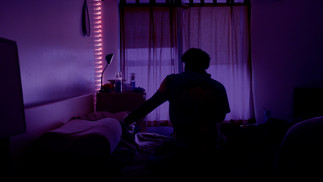
roto around blinds darken window area grade
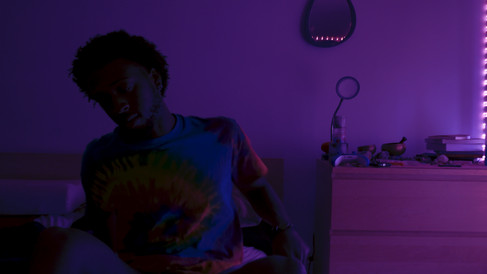
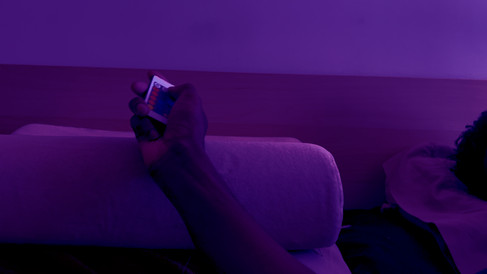
For shot 2 and 3, I color corrected and graded them to match shot 1.
Shot 2:


Shot 3:



Scene 2 Update:
I am still working on the matte painting for shot 1, but I have all the windows blocked in. I brought what I had into Nuke so I knew where I was putting the camera so I don't do more than I need to with the building extension.
As for shot 2, I am working on the day to night. I have keyed out the sky for replacement, and added lights into the sene. I just need to do some 2D tracking, maybe some stabilization, and work on getting the cloudy day time sky reflection out of the reflective objects.
Comments